Demo booked successfully


Thank you for booking the demo with us! Our team will connect with you shortly..

Screen Sharing App

Exclusively for Teachmint X users - cast and mirror your screen instantly.

Download Now
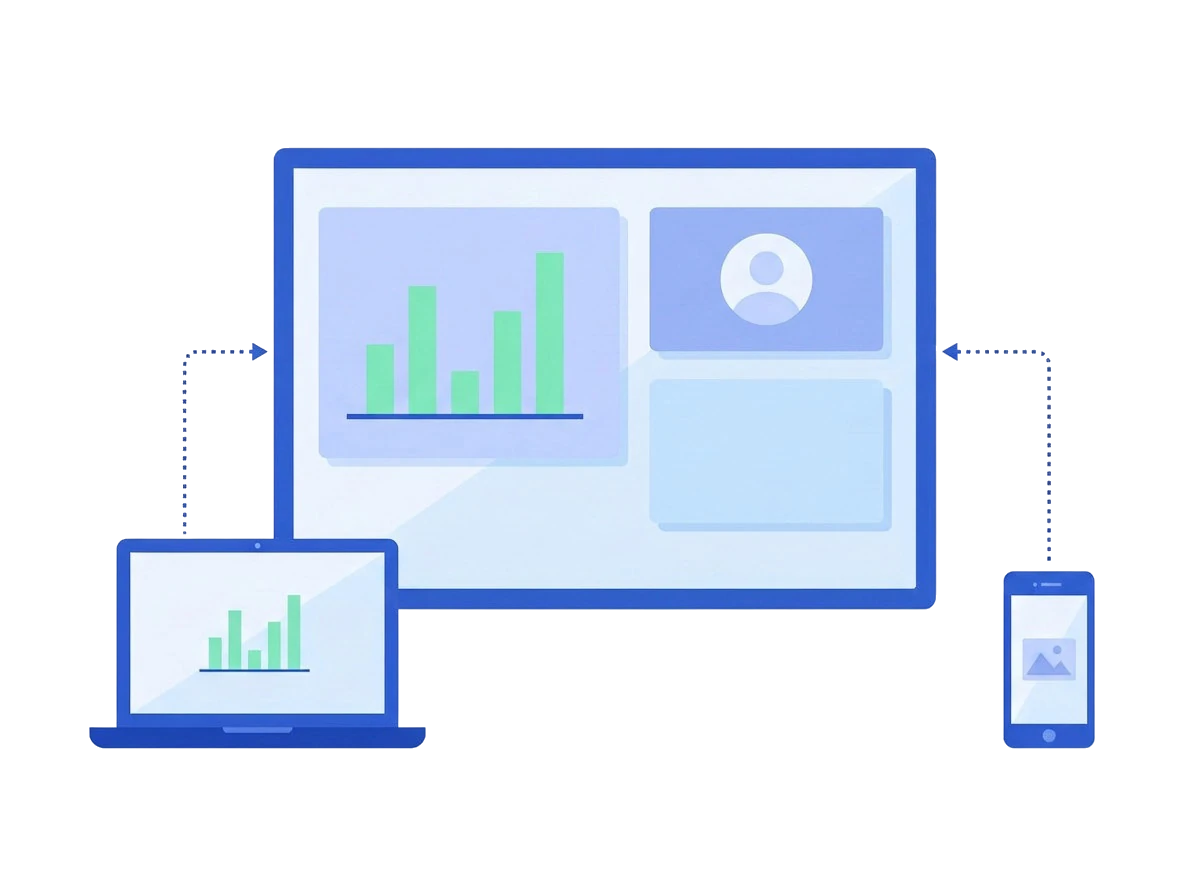
Share X mirroring a lesson from a laptop and a phone onto a Teachmint X panel

Built for classrooms

Connect multiple devices, share content wirelessly, transfer files, and control screens for flexible classroom collaboration.

Multi-Device Screen Sharing

Display content from multiple devices at once for easier comparison and collaboration.

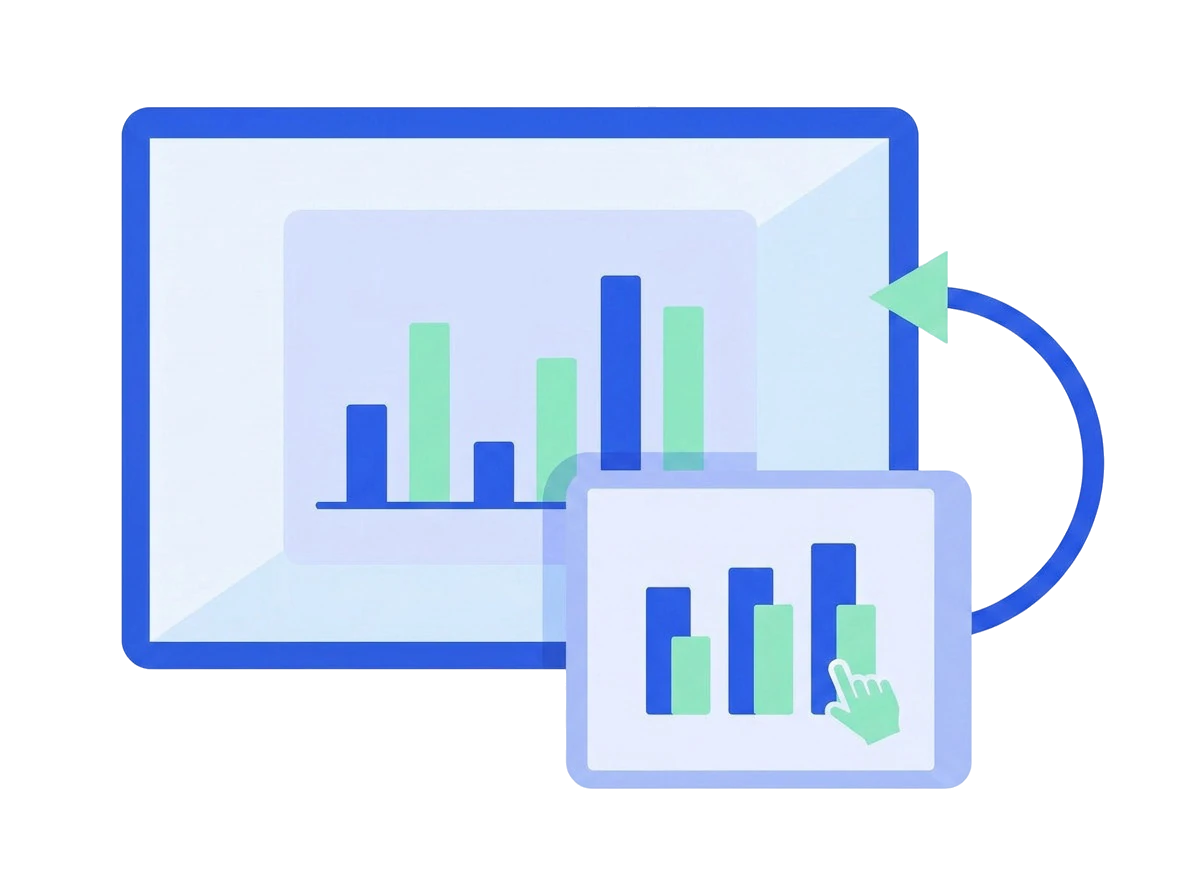
Screen Sharing and Control

Access and control the smart board from connected devices without staying at the board.

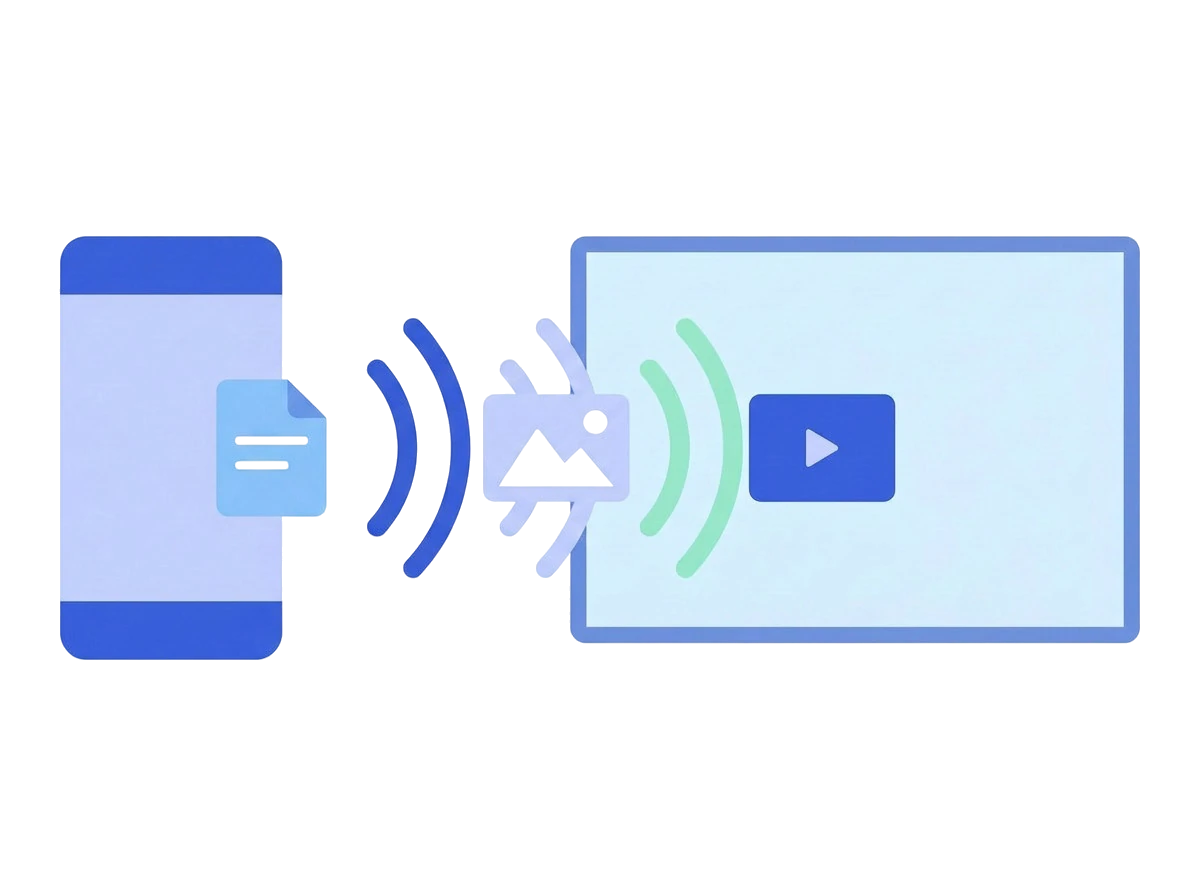
Wireless File Transfer

Share documents, images, videos and other files directly through the Share X app

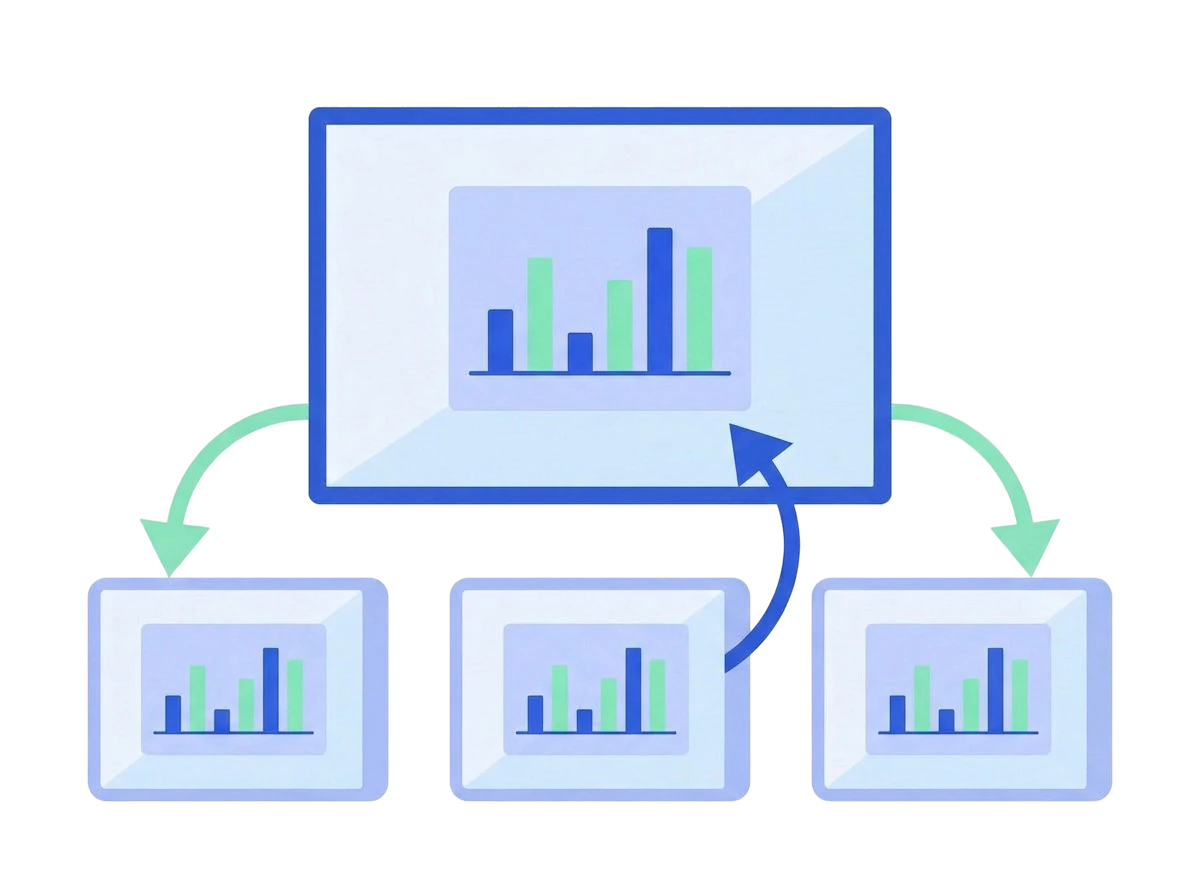
Two-Way Casting with Share X

Students cast their work to Teachmint X, and teachers share the screen back to every student device.

How It Works

Up and running in 3 steps

No complicated setup. Start sharing your screen in the classroom within minutes.

Install Share X

Download and install Share X on your devices.

Connect to WiFi

Ensure your device and Teachmint X are connected to the same local network.

Start Sharing

Tap "Share Screen" and connect to Teachmint X to begin teaching instantly.

Download Share X

Install Share X on your device and connect to Teachmint X Panel to start sharing.

Android

Android 9.0
or later

Download .apk
iOS

iOS 15
or later

Download .ipa
Windows

Windows 10
or later

Download .exe
macOS

macOS 12 Monterey
or later

Download .dmg
Android

Android 9.0
or later

Download .apk
iOS

iOS 15
or later

Download .ipa

Frequently asked questions

What is Share X?
How many devices can connect simultaneously?
What is the latency of Share X?
Does Share X require internet?
Which platforms does Share X support?
How do I start sharing my screen?