Demo booked successfully


Thank you for booking the demo with us! Our team will connect with you shortly..

Vision X

Device and Admin Management

One dashboard for every device, running on your own network, with Google Play Protect and Safe Search built in.

Manage every device. Your network. Your data. Your control.

Central dashboard

Group devices by room, and see the status of every device at a glance.

Central dashboard

Remote device control

Turn devices on or off, lock them remotely, and set automatic schedules.
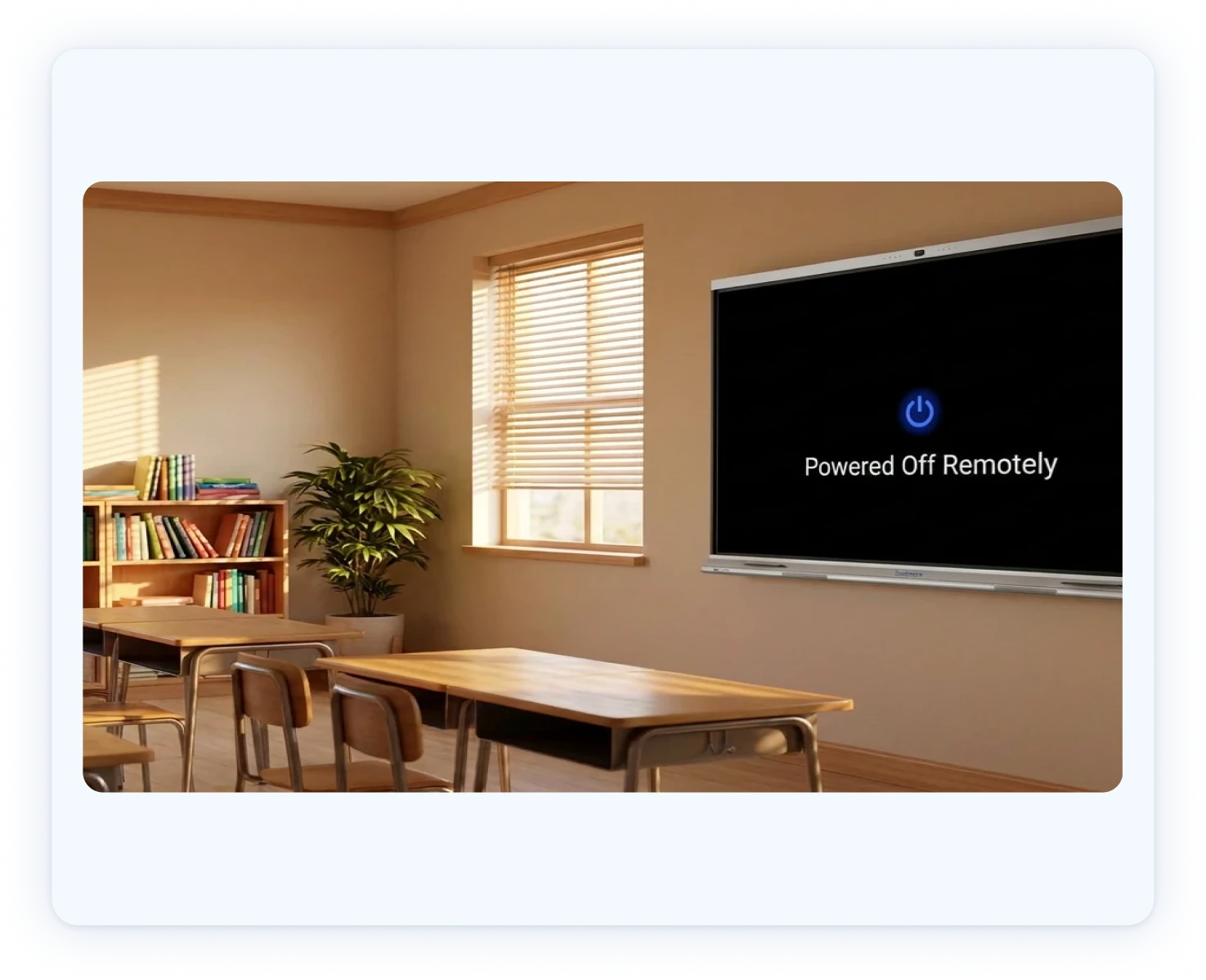
Remote device control

Updates and app control

Push firmware and apps over the air, and allow only approved apps.
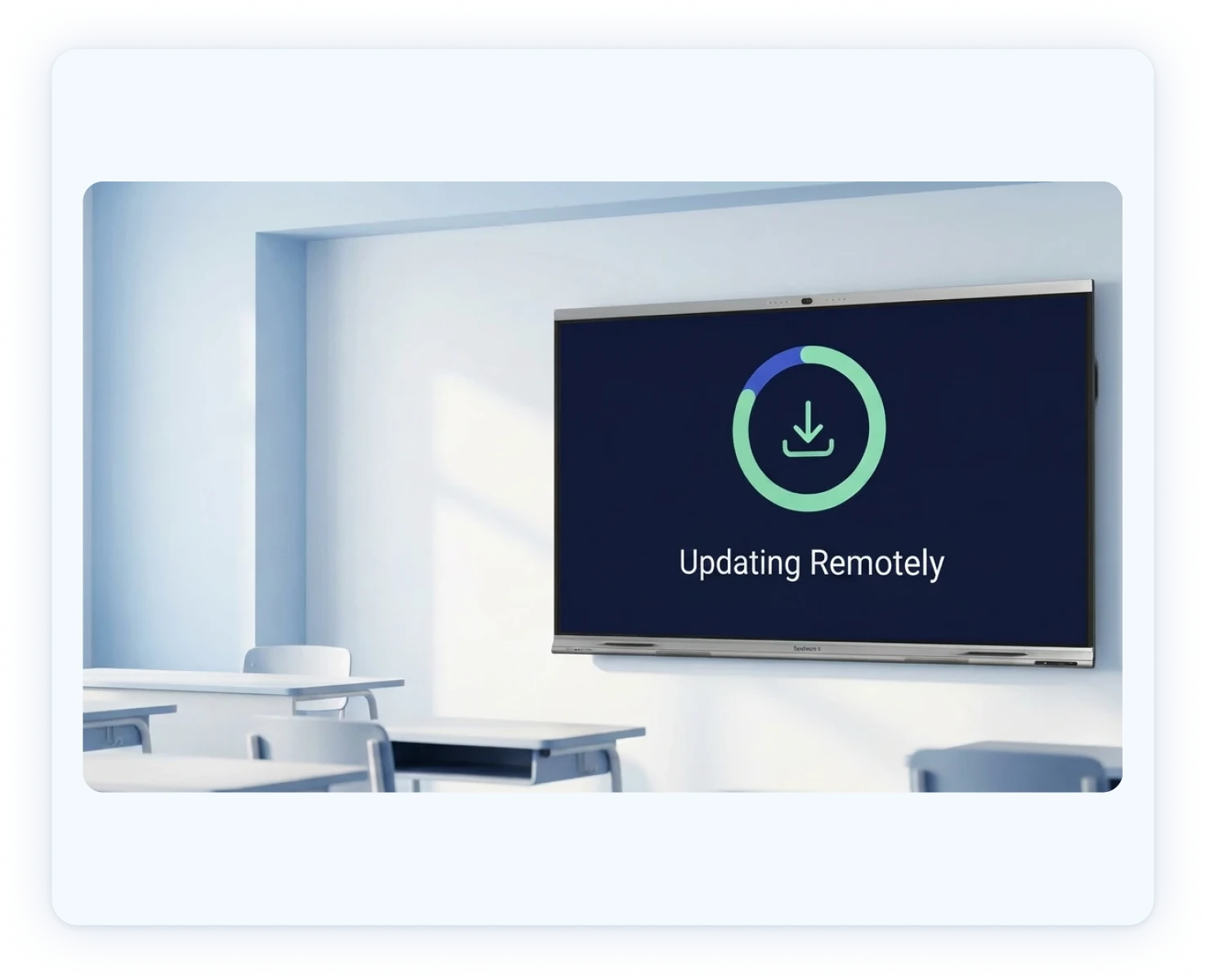
Updates and app control

Broadcasts and alerts

Broadcast urgent alerts or routine updates instantly to any or all classroom screens.
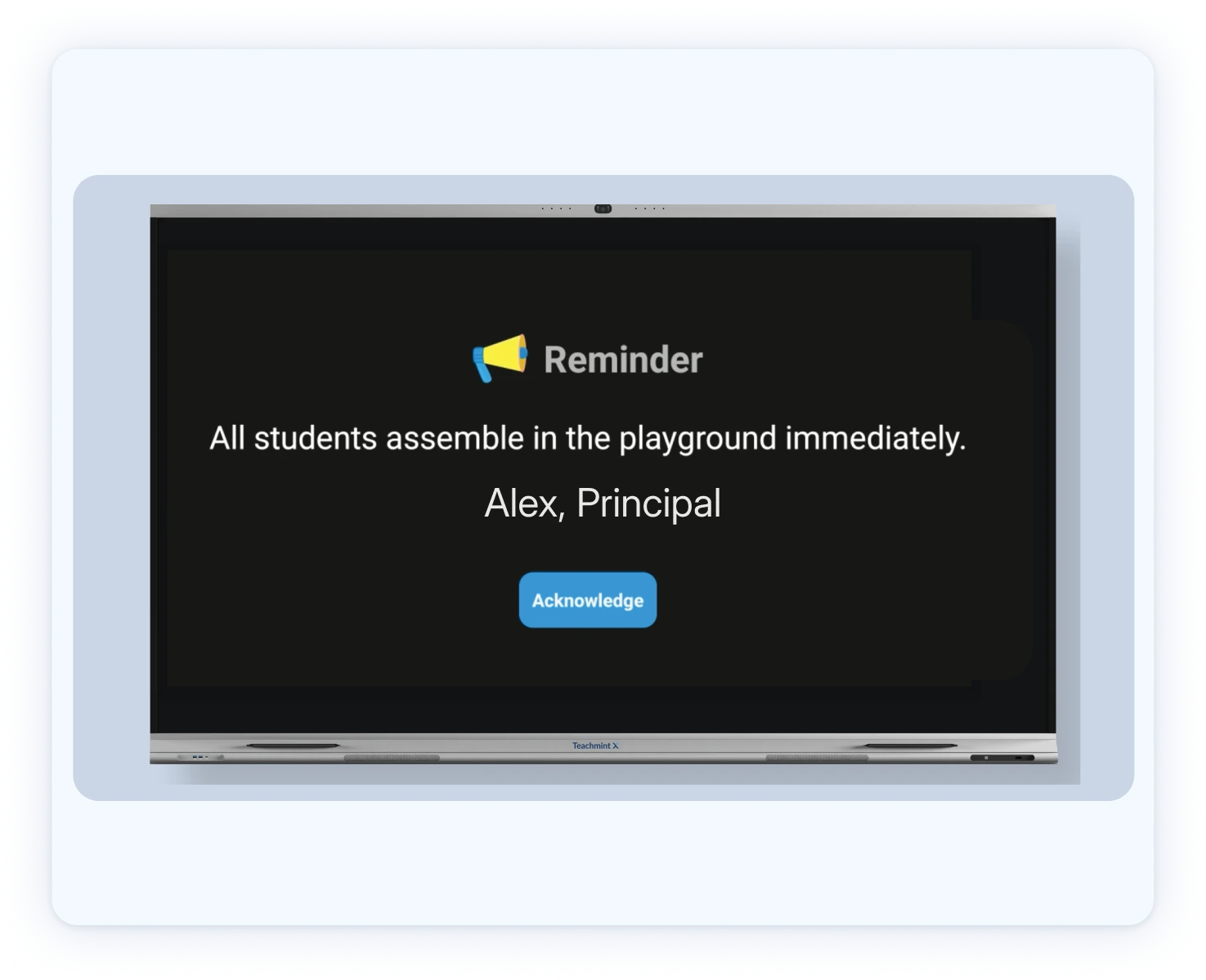
Broadcasts and alerts

Usage analytics

See how and when every device is used, so you can track adoption.
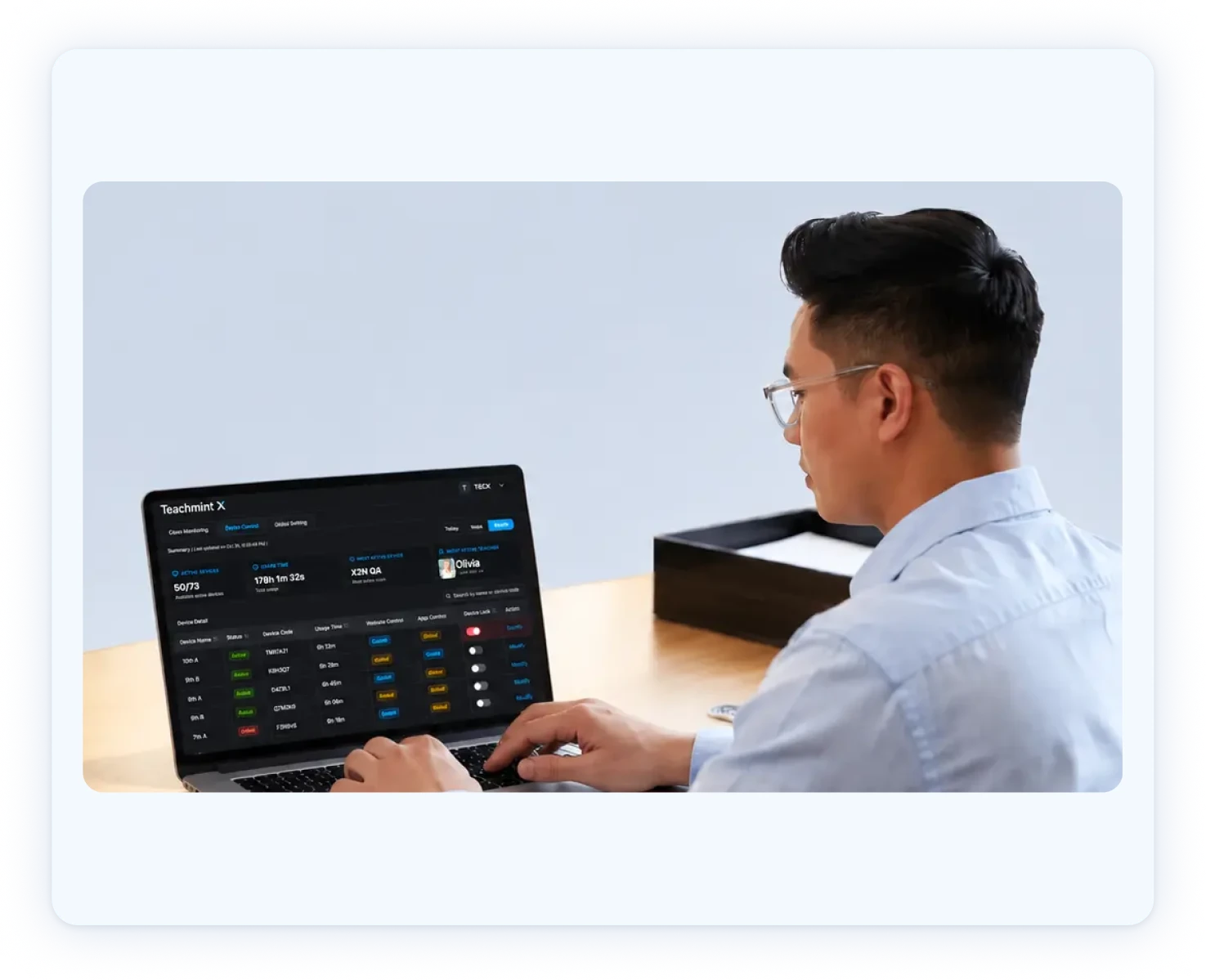
Usage analytics

Remote troubleshooting

Diagnose and fix issues without sending anyone to the classroom.
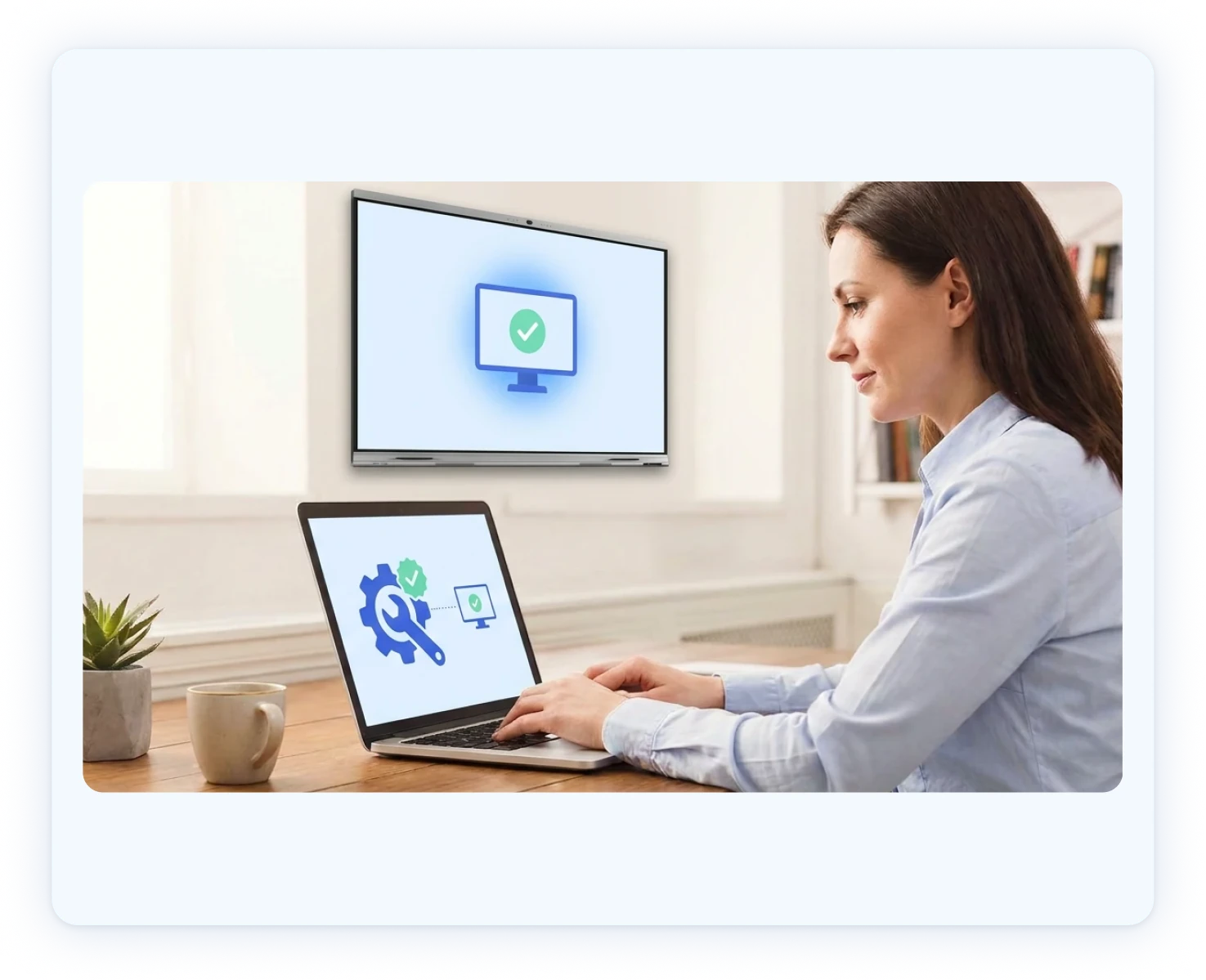
Remote troubleshooting

Frequently asked questions

How do I add more Teachmint X devices?
You can link devices in two ways:
  1. From the Teachmint X device:
    • Open the Teachmint app and select the Link your Device option.
    • Enter the room details and Institute ID.
    • Once linked, the device will appear on both the Vision X console and the Teachmint Admin Portal.
  2. From the Teachmint Admin Portal:
    • Log in at accounts.teachmint.com with your admin credentials.
    • Go to Device Management / Manage Devices.
    • Select Link Teachmint X device and follow the steps to add your device.
How do I install Vision X?
Download & install Vision X console in (Windows/Mac/Android).
Sign in with your existing Teachmint admin credentials.
Ensure X2 devices are on the same Wi-Fi as admin.
Does Vision X support all X2 versions?
Vision X is supported only on Teachmint X2 models running version v1.0.9 and above.
Why can't I log in to Vision X?
Ensure you are using the same email ID or phone number of admin/owner profile that you use to access the Teachmint Admin Portal.
Can Vision X connect with devices from other brands?
No. Vision X is exclusively designed for Teachmint X devices and does not support third-party hardware.
Can Vision X be accessed from outside the institution's network?
No, Vision X can only be accessed on the same local network as your Teachmint X devices.